HUVA academy

Vibe
Directing

Taste cannot be prompted
but we teach it

5 weeks
25+ video lessons
Online support
Online format

What You'll Build

What you will learn in this course

AI Visuals icon

Professional AI Visuals

A published portfolio։ Six pieces, six weeks, on a live site. Not screenshots in a folder. A link you send a client the same day.

Creative Direction icon

Creative Direction

Plan and direct full campaigns from concept to final delivery. Think like a director, not a prompt typist.

Video icon

4 AI assistants

One grades your work every evening. One writes the treatment. One tells you what to charge. The course ends. The assistants stay.

Brand Identity icon

Director mindset

You think like a director. You look at a shot and you know why it works, or why it does not. You stop guessing. The client conversation changes at that moment.

Social Content icon

Content Systems

A content system, One idea becomes a week of content. In one sitting, not from zero every day.

Portfolio icon

Portfolio & First Clients

Your first clients. A pitch deck, a pricing policy, a proposal template. You leave with a business, not just a skill.

Results
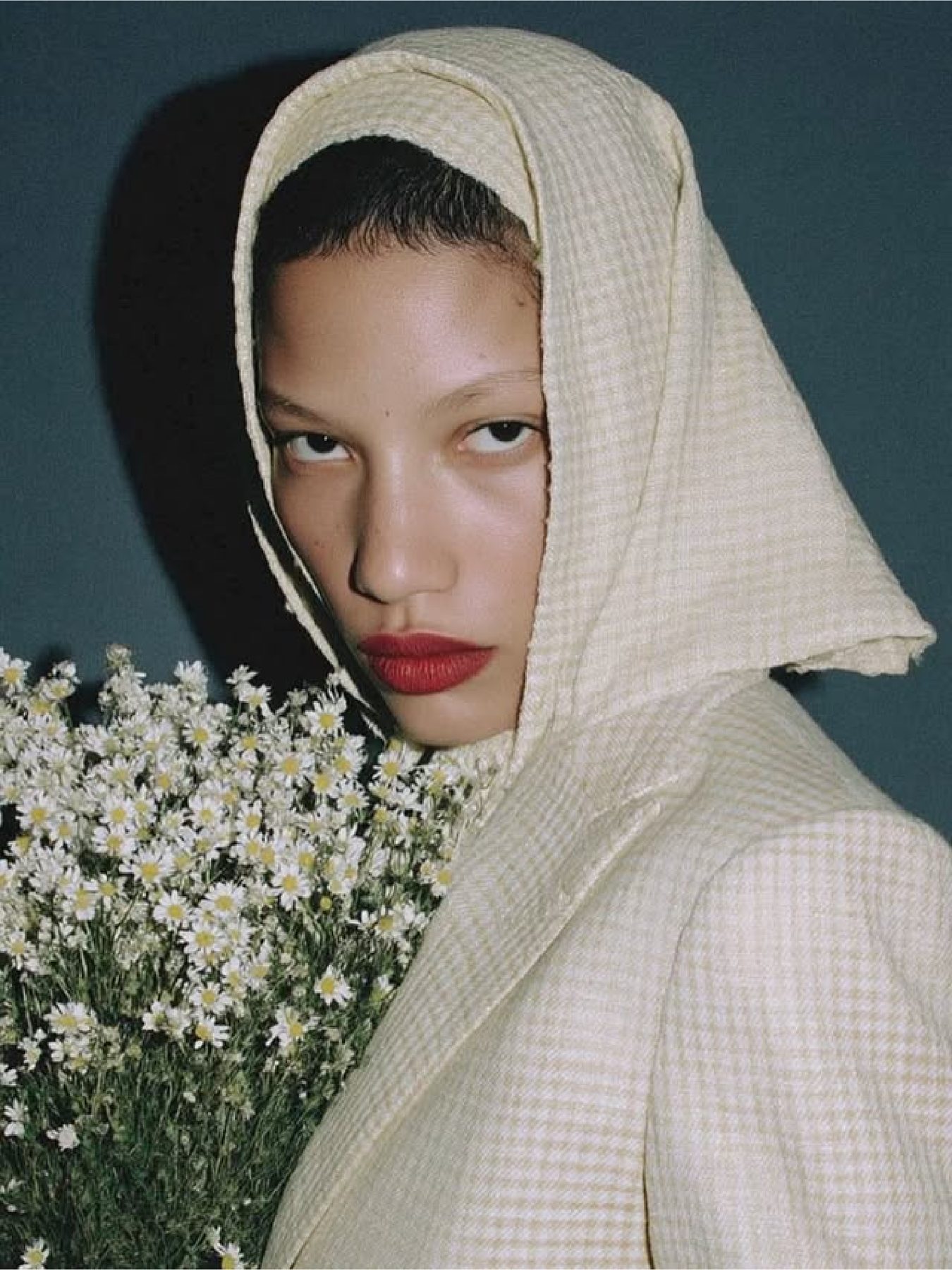
Works by our students

Learn from a practitioner — not just a teacher

Meet our instructors

Ani Mkrtchyan

Ani Mkrtchyan

Around 1,000 students trained in Generative AI. I work with businesses, building automations and AI agents on Claude that replace hours of repetitive work. In this course, I teach the exact systems I build. No theory pulled from documentation. Every module comes from real projects, real briefs, and real results.

Eduard Isajanyan

Eduard Isajanyan

Visual Artist. Combines AI generation with hands-on post-production to create visuals that walk the line between photorealism and the beautifully abstract. Teaches the full pipeline: from prompt to final output with a distinctive artistic voice.

You are the right person to start now

Who is this course for

Junior specialists
SMM specialists Reel makers Content makers Freelancer Content Writers
Creators
Graphic Designers UI Designers 3D Artists Photographers Stylists Artists Illustrators Directors
Business Owners
Entrepreneurs Marketplace Sellers Bloggers Sellers Niche Experts
JOIN THE COURSE JOIN THE COURSE JOIN THE COURSE JOIN THE COURSE JOIN THE COURSE JOIN THE COURSE JOIN THE COURSE JOIN THE COURSE

Course Plan

What we'll cover

Week 1
Directing foundations
  • You learn to look at a shot the way a director does, not the way a prompt writer does. You pick references, you write down what you want to see, then you make it.
  • Midjourney · Claude · Pinterest · Shotdeck
Midjourney Claude Pinterest Shotdeck
Week 2
Face Consistency & Realism
  • The same face in ten different shots, and it is the same face every time. Then you push it to the point where someone looks and does not doubt it: skin, light, lens, grain. This is where amateurs part ways with the people who get hired.
  • Midjourney · Nano Banana Pro · ChatGPT · Topaz · Magnific
Midjourney Nano Banana Pro Seedream Topaz Magnific
Week 3
Movement, editing and the seam
  • The frame starts moving. You learn where to cut, at what rhythm, and most importantly how to join your own real footage to generated shots so the seam never shows.
  • Kling · Seedance · Sora · Runway · CapCut
Kling Seedance Sora Runway CapCut
Week 4
Brand, product and content system
  • The client product, shop and face inside the frame. From one idea you make a week of content. This is the work people pay for every month, not once.
  • Midjourney · Kling · Seedance · CapCut
Midjourney Kling Seedance CapCut
Week 5
Final film, portfolio and price list
  • A thirty second film with sound, music and a full edit. The week closes with a published portfolio and a written price list.
  • Kling · Seedance · Runway · Suno · CapCut · Veo 3
Kling Seedance Runway Suno CapCut Veo 3

Choose your plan

Standard

  • Self pace course
  • Prompt architecture system
  • Ani's Creative Engine
  • Online Support
  • Portfolio creation
  • Q&A
  • Portfolio Feedback

Best for:

People who want to learn skills and tools

40.000 AMD

Rocket Line payment available

Still thinking?

FAQ

Do I need to subscribe to tools?

Yes. During the course, you’ll need to buy subscriptions for the necessary tools, but we keep it minimal—everything can be learned with just two subscriptions.

Do I need technical or design experience?

No. The course focuses on mindset and practical application, not technical complexity. I demonstrate everything step by step.

Which AI tools will we use during the course?

We’ll use the most up-to-date AI tools for creating visuals, videos, audio, and content—based on real-world use cases: Midjourney, Kling, Veo 3.1, Gemini, Nano Banana, Higgsfield, Runway, and others. You don’t need to subscribe to all of them.

Will I actually be able to create professional visuals after the course?

Yes. During the course, you create real visuals and learn the full process—from idea to final result. By the end, you’ll already have a ready portfolio.

Can I use this for a job, freelancing, or business?

Yes. The program is built for practical use and fits both employment and your own projects or business. We also learn how to develop a personal brand, so you’ll be able to find clients.

If I can’t attend the live classes, what happens?

All live classes are recorded and available on a private platform, so you can watch them whenever it’s convenient.

How is this course different from other AI courses?

This isn’t just a list of tools—it’s a system-based approach to AI content: creative direction, thinking, and real application. I’ve packaged my years of experience in marketing, content, personal branding, and business, delivered in a modern, up-to-date format.

Will there be support and answers to questions during the course?

Yes. There will be an active community and direct communication for questions, discussions, and any issues that come up.
Get the course now