-
Courses

- Services
- Students
- Free Guides
- About
What You'll Build

Professional AI Visuals
A published portfolio։ Six pieces, six weeks, on a live site. Not screenshots in a folder. A link you send a client the same day.

Editing with clear direction
Learn to tell Claude what to cut, what to emphasize, and how to pace your video.

Motion graphics
Use Claude and ChatGPT to create animated text, transitions, and clothing showcases.

Visual thinking
Understand how footage, text, sound, and movement work together. Choose techniques that support your idea.

A prompt collection
Use ready-to-adapt prompts to describe style, pacing, and revisions. Tailor them to your next project.

A portfolio foundation
Bring your projects together and explain the creative purpose behind each video.
Learn from a practitioner — not just a teacher
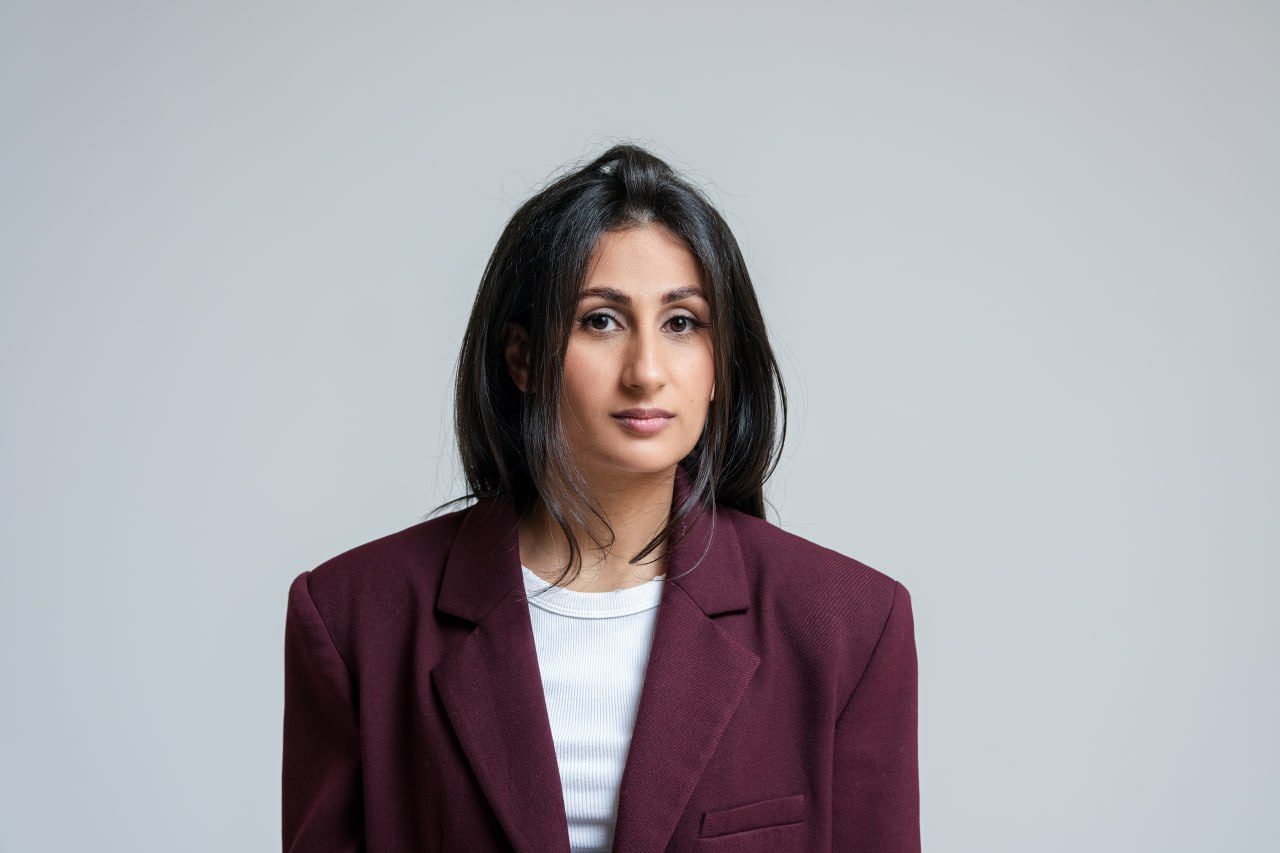
Ani Mkrtchyan
Around 1,000 students trained in Generative AI. I work with businesses, building automations and AI agents on Claude that replace hours of repetitive work. In this course, I teach the exact systems I build. No theory pulled from documentation. Every module comes from real projects, real briefs, and real results.


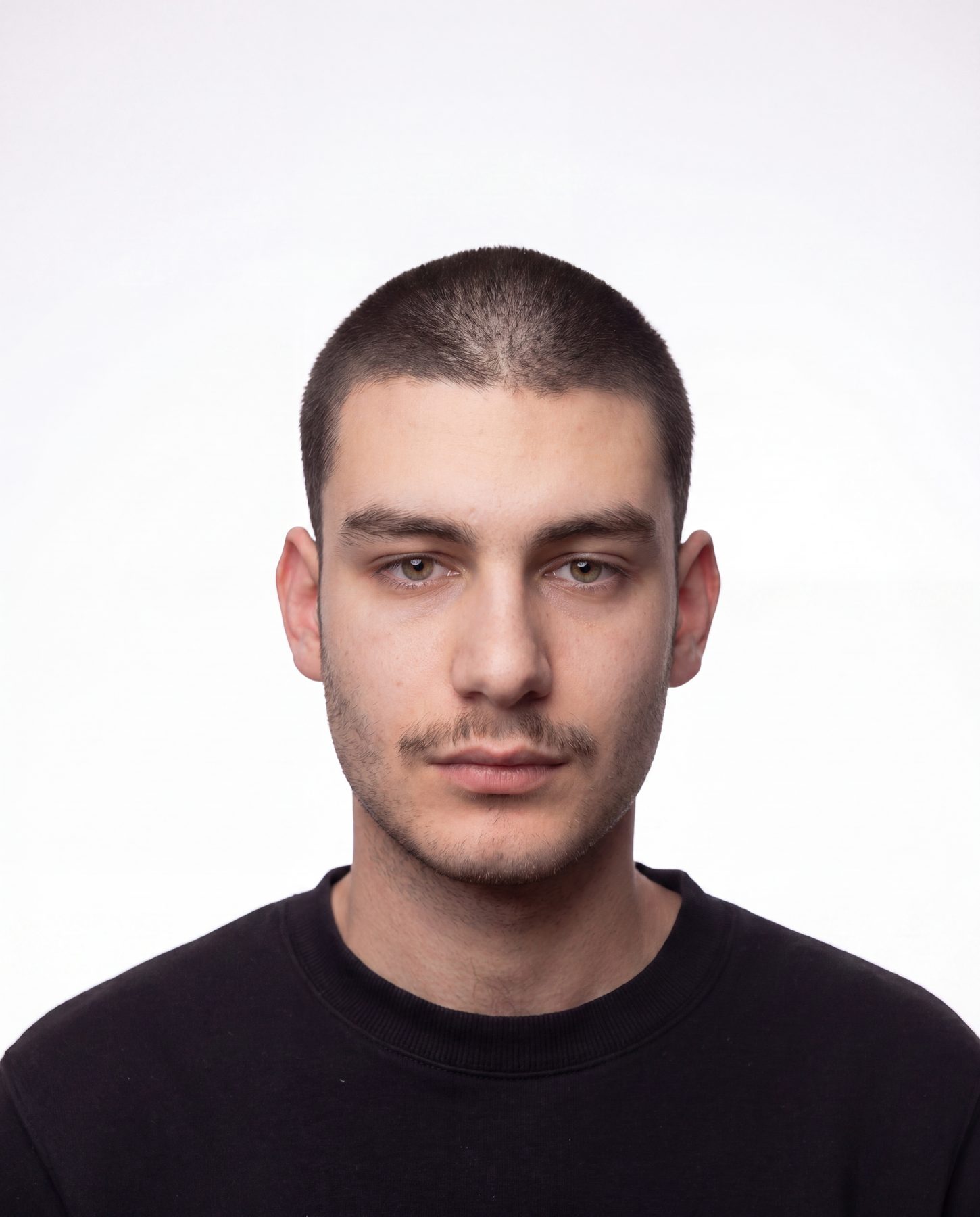
Eduard Isajanyan
Visual Artist. Combines AI generation with hands-on post-production to create visuals that walk the line between photorealism and the beautifully abstract. Teaches the full pipeline: from prompt to final output with a distinctive artistic voice.
 JOIN THE COURSE
JOIN THE COURSE
JOIN THE COURSE
JOIN THE COURSE
JOIN THE COURSE
JOIN THE COURSE
JOIN THE COURSE
Course Plan
Standard
30.000 AMD
Rocket Line payment available
Still thinking?
FAQ
Do I need to subscribe to tools?
Do I need editing or design experience?
Do I need to know how to code?
Which tools will we use?
Can I take the course using only my phone?
Will there be support and answers to questions during the course?